Deep learning training · PyTorch Foundation
Workstations for PyTorch training and fine-tuning
Training and fine-tuning where video memory decides which models fit at all, and everything else decides how fast.
Task by task
What PyTorch actually needs
Fine-tuning
Needs: Video memory
Parameter-efficient methods such as LoRA and QLoRA make 7B to 13B models practical on a 24GB card.
Training from scratch
Needs: Memory, then more cards
Batch size and model size are limited by video memory.
Data loading
Needs: Cores and fast storage
Preprocessing runs on the processor and reads from the drives.
The same advice applies to TensorFlow, JAX and Hugging Face Transformers.
Hardware at a glance
What to buy for PyTorch
Our picks
Machines we recommend for PyTorch
| Specification | |||
|---|---|---|---|
| Our take | For LoRA and QLoRA fine-tuning of 7B to 13B models and for learning. No error-correcting memory, so not for runs that last two weeks. | Our recommended AI workstation. A 32GB card, 128GB of error-correcting memory on eight channels and a separate dataset drive. | When one card is not enough. Two 48GB accelerators in a rack server that a team can share and leave running. |
| Processor | AMD 16 Core Processor | AMD 24 Core Processor | AMD 64 Core Processor |
| Graphics | ZOTAC 24 GB Vram graphics card | Palit 32 GB Vram graphics card | HPE 96 GB Vram graphics card |
| Memory | 64GB High speed memory | 128GB High speed memory | 384GB High speed memory |
| Storage | 3TB total | 6TB total | 17.28TB total |
| Form | Tower, desk-side | Tower, desk-side | 4U rack |
| Actions |
Questions
PyTorch hardware questions
How much GPU memory do I need for fine-tuning?
With QLoRA, a 7B to 13B model fits on 24GB. Full fine-tuning needs several times the model's size, which for anything beyond a small model means multiple cards.
GeForce or professional cards for AI?
GeForce cards give the most performance per rupee on one desk. Professional and data-centre cards add memory capacity, error correction and designs made for several cards in one server.
Workstation or server for training?
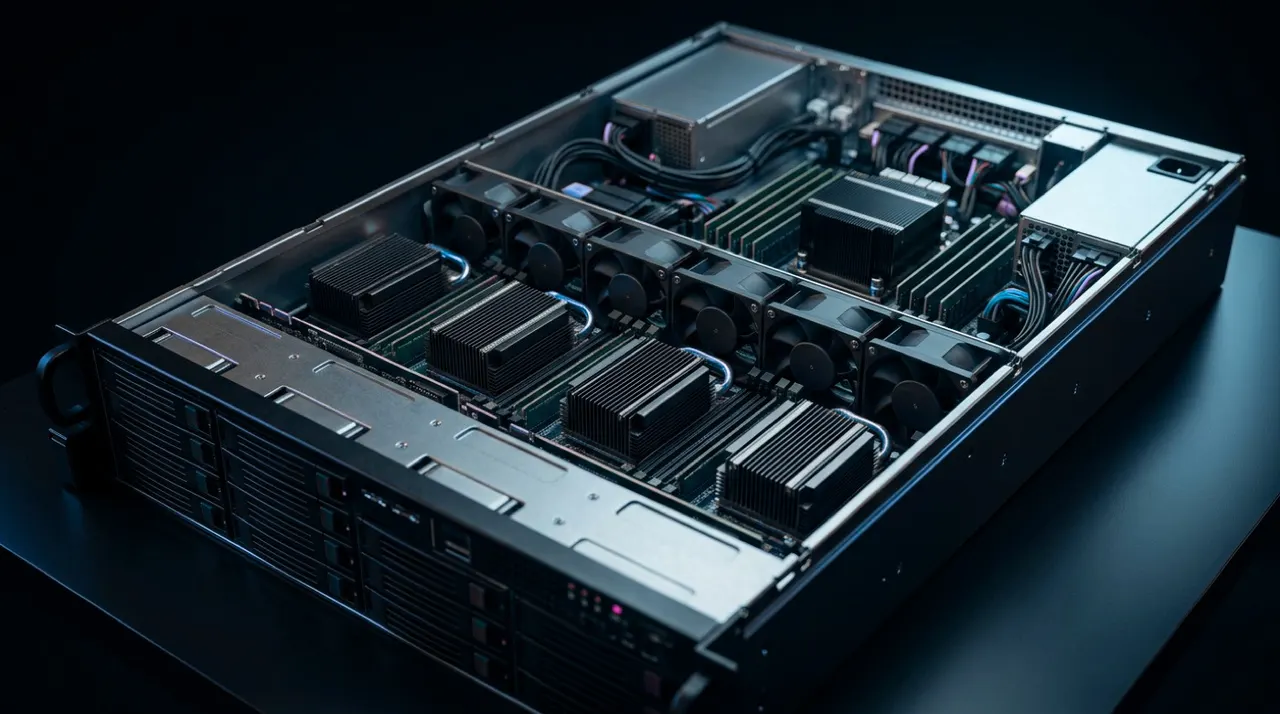
A workstation suits one researcher and one card. A server suits multi-card jobs, shared use by a team, and runs that need to continue while nobody is at the desk.
Why buy from us
91checks
Checked before it is quoted
Fit, power, cooling and memory, on every build.
72hours
Burned in before it ships
Full load for three days, so faults show up here.
1working day
An engineer replies
With a specification and a quote for your work.
1number to call
Supported in Pakistan
From Islamabad, delivered nationwide, with warranty handled here.
Other AI & machine learning software
Want an engineer to size it for your PyTorch work?
Tell us the size of your largest model. An engineer replies within one working day.