Building information modelling · Autodesk
Workstations for Revit
BIM modelling and documentation that runs mostly on one core, and needs memory in proportion to the size of the model.
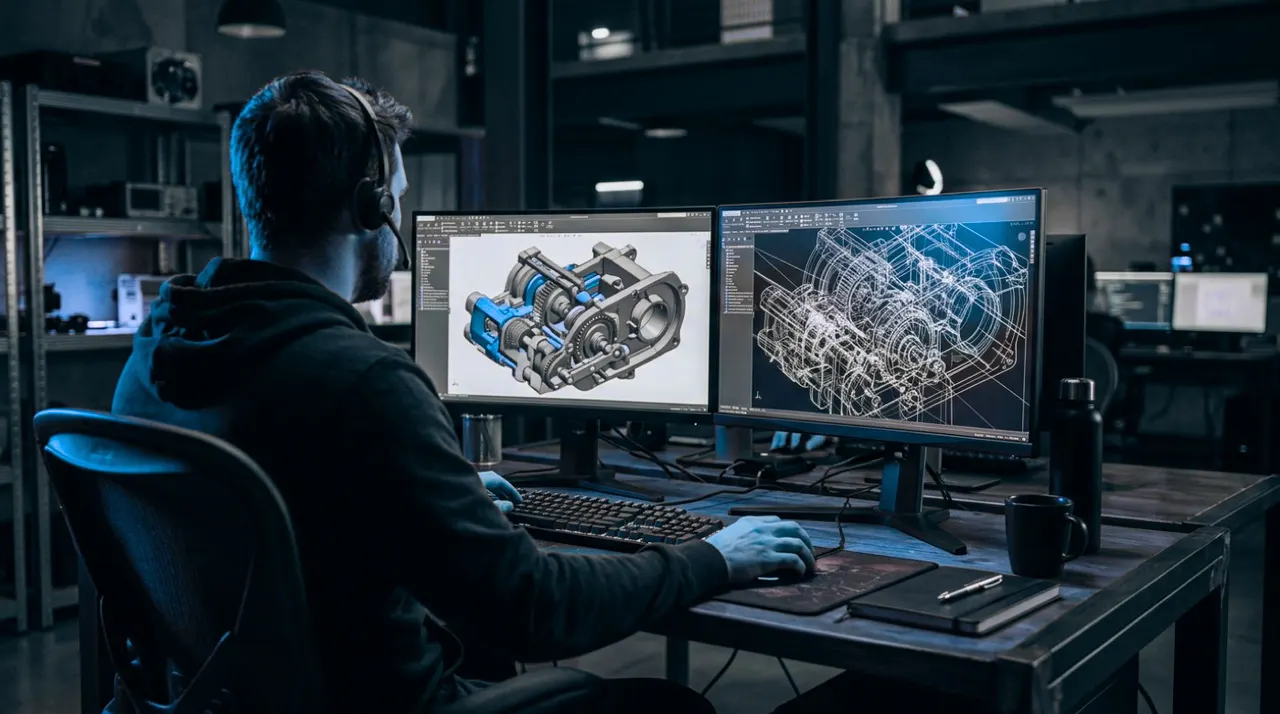
Task by task
What Revit actually needs
Modelling and documentation
Needs: One fast core, then memory
Most of Revit runs on a single thread, so clock speed is what you feel.
Real-time visualisation
Needs: The graphics card
Enscape and Twinmotion run on the graphics card, and video memory decides how large a project stays smooth.
The same advice applies to Enscape, Twinmotion and Navisworks.
Hardware at a glance
What to buy for Revit
Our picks
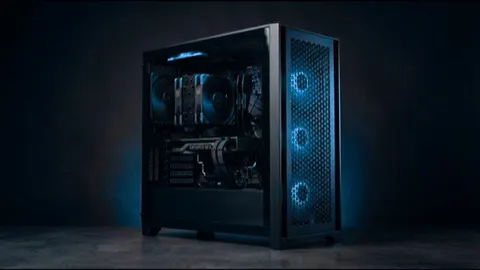
Machines we recommend for Revit
| Specification | |||
|---|---|---|---|
| Our take | For single buildings and typical project sizes. Fast in modelling, and enough card for occasional Enscape walkthroughs. | For large projects and daily real-time visualisation. 64GB of memory and a 32GB card, with the fastest single core we build. | For very large federated models. 128GB of error-correcting memory keeps them open all day, at a slightly lower clock than the Studio machines. |
| Processor | AMD 12 Core Processor | AMD 16 Core Processor | AMD 24 Core Processor |
| Graphics | Palit 16 GB Vram graphics card | Palit 32 GB Vram graphics card | Nvidia 24 GB Vram graphics card |
| Memory | 32GB High speed memory | 64GB High speed memory | 128GB High speed memory |
| Storage | 2TB total | 4TB total | 3TB total |
| Form | Tower, desk-side | Tower, desk-side | Tower, desk-side |
| Actions |
Questions
Revit hardware questions
Is Revit single-threaded?
Mostly. A few tasks such as rendering, printing and some view generation use more cores, but day-to-day modelling runs on one. That is why a high-clock processor beats a many-core one for Revit.
How much RAM do I need for Revit?
Autodesk suggests roughly 20 times the size of the model file. A 1GB central model therefore wants around 20GB for Revit alone, before anything else is open.
Do I need a professional graphics card for Revit?
No. Revit runs well on GeForce cards. A professional card makes sense if your firm also uses software that requires one, such as certified SOLIDWORKS.
What about Enscape and Twinmotion?
These run on the graphics card, so they are where a larger card helps. Large projects with detailed materials are comfortable on 16GB and better on 32GB.
Why buy from us
91checks
Checked before it is quoted
Fit, power, cooling and memory, on every build.
72hours
Burned in before it ships
Full load for three days, so faults show up here.
1working day
An engineer replies
With a specification and a quote for your work.
1number to call
Supported in Pakistan
From Islamabad, delivered nationwide, with warranty handled here.
Other engineering design software
Want an engineer to size it for your Revit work?
Tell us the size of your largest model. An engineer replies within one working day.