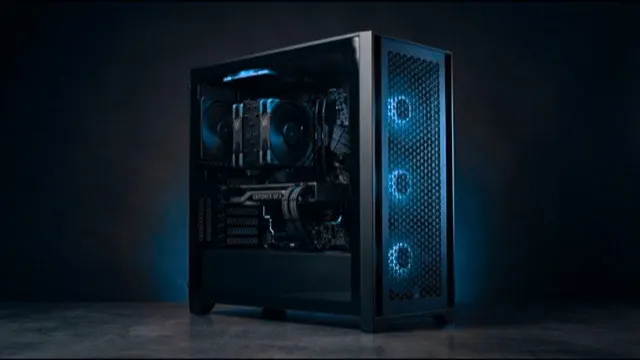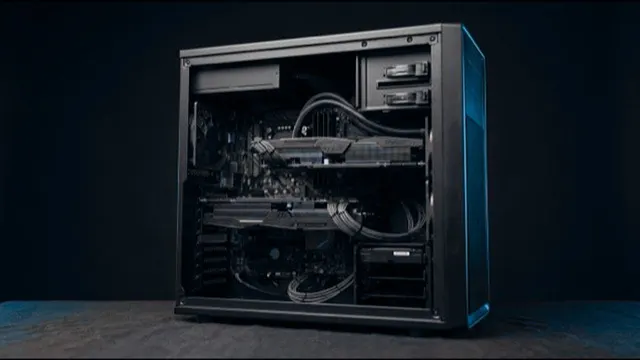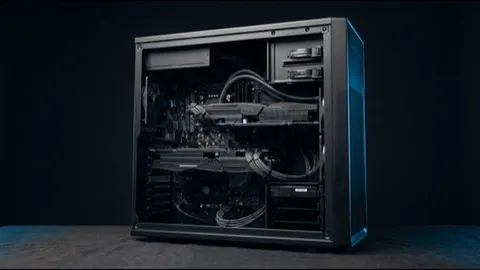
Fusion Studio 200
12 cores to 5.6GHz, 16GB card, 32GB
Drafting, detailing and typical buildings.
- Processor
- AMD 12 Core Processor
- Graphics
- Palit 16 GB Vram graphics card
- Memory
- 32GB High speed memory
- Form
- Tower, desk-side
Engineering Design
Fast single cores and enough memory for large models.
Our machines
12 cores to 5.6GHz, 16GB card, 32GB
Drafting, detailing and typical buildings.
16 cores to 5.7GHz, 32GB card, 64GB
Large BIM models, tall buildings and real-time visualisation.
24 cores, 128GB ECC, 24GB professional card
Certified-class graphics, ECC memory and the largest models.
Side by side
| Specification | |||
|---|---|---|---|
| Best for | Drafting, detailing and typical buildings. | Large BIM models, tall buildings and real-time visualisation. | Certified-class graphics, ECC memory and the largest models. |
| Processor | AMD 12 Core Processor | AMD 16 Core Processor | AMD 24 Core Processor |
| Graphics | Palit 16 GB Vram graphics card | Palit 32 GB Vram graphics card | Nvidia 24 GB Vram graphics card |
| Memory | 32GB High speed memory | 64GB High speed memory | 128GB High speed memory |
| Storage | 2TB total | 4TB total | 3TB total |
| Form | Tower, desk-side | Tower, desk-side | Tower, desk-side |
| Actions |
Before you choose
Modelling runs on one thread, so a faster core beats more cores.
A model that outgrows memory spills to disk, and everything slows.
Large models and analysis files open and save far faster on NVMe.
By software
Tell us your software and your largest job. An engineer replies within one working day.