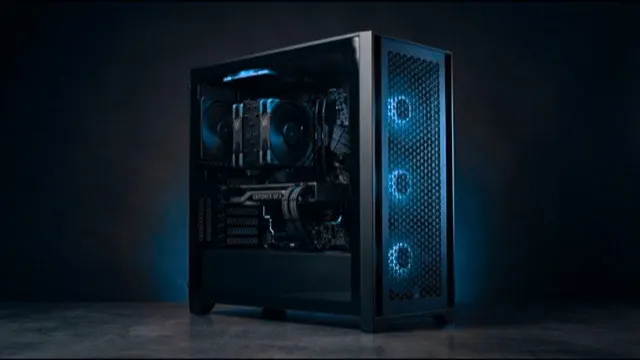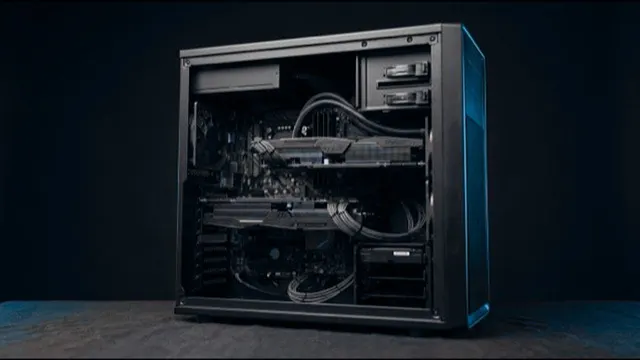
Drafting, detailing and typical buildings.
- Processor
- AMD 12 Core Processor
- Graphics
- Palit 16 GB Vram graphics card
- Memory
- 32GB High speed memory
- Form
- Tower, desk-side
Engineering Design
Fast single cores and enough memory for large models.
Start with your software
Also common in this work: Tekla Structures.
Most important first
Modelling runs on one thread, so a faster core beats more cores.
A model that outgrows memory spills to disk, and everything slows.
Large models and analysis files open and save far faster on NVMe.
Where money gets wasted
Dozens of cores or a flagship card. Outside rendering, neither gets used.
Our picks
Drafting, detailing and typical buildings.
Large BIM models, tall buildings and real-time visualisation.
Certified-class graphics, ECC memory and the largest models.
Worth knowing: The Studio machines use GeForce cards, which SOLIDWORKS does not certify.
Tell us your software and your largest job. An engineer replies within one working day.